

Why this comparison matters
Buying digital wayfinding is rarely about pretty screens. Corporate buyers juggle sticker shock on day one with the steady drag of maintenance, content updates, and power bills over years. That’s why a clear head-on look at Initial CapEx versus Lifecycle Operational Costs beats glossy demos. If you need practical examples of what systems look like in the field, check how custom solutions fit into lobby flows — see custom signage for typical deployments and hardware mixes. Terms to watch: LED display, content management system (CMS), touchscreen kiosk.

CapEx: what you pay up front
CapEx covers hardware, installation, and integration. That means screens, enclosures, mounts, plus any network or structural work. A tough-but-clear rule: spend smart on durable panels and robust brackets and you’ll avoid replacements. But overbuying for fanciness — ultra-bright panels where indoor-grade will do — wastes cash. Keep the initial spec aligned to real needs: resolution for legibility, brightness for ambient light, and touchscreen for interaction when people actually need it.
Lifecycle Ops: the hidden, steady costs
Lifecycle costs creep in via software licenses, CMS hosting, content creation, power use, routine maintenance, and broken-panel replacements. These are predictable if you plan, unpredictable if you don’t. For corporate campuses, CMS subscriptions and ongoing content services can equal 15–30% of the original hardware spend annually. Factor in energy loads from LED displays and scheduled replacement cycles — these dictate long-term budget more than a single upfront purchase.
Head-to-head: where money actually goes
Compare on two axes: total cost over your choice window (three, five, seven years) and uptime/value delivered per dollar. Quick checklist to run internally:
– One-time hardware and install
– Annual software/licenses and support
– Content production and updates per year
– Energy and facility overhead
– Replacement reserve (failures, vandalism)
Score each by realistic frequency and cost. The winners are systems with modular hardware, straightforward CMS, and clear SLA options from the vendor.
Real-world anchor: airport wayfinding proves the point
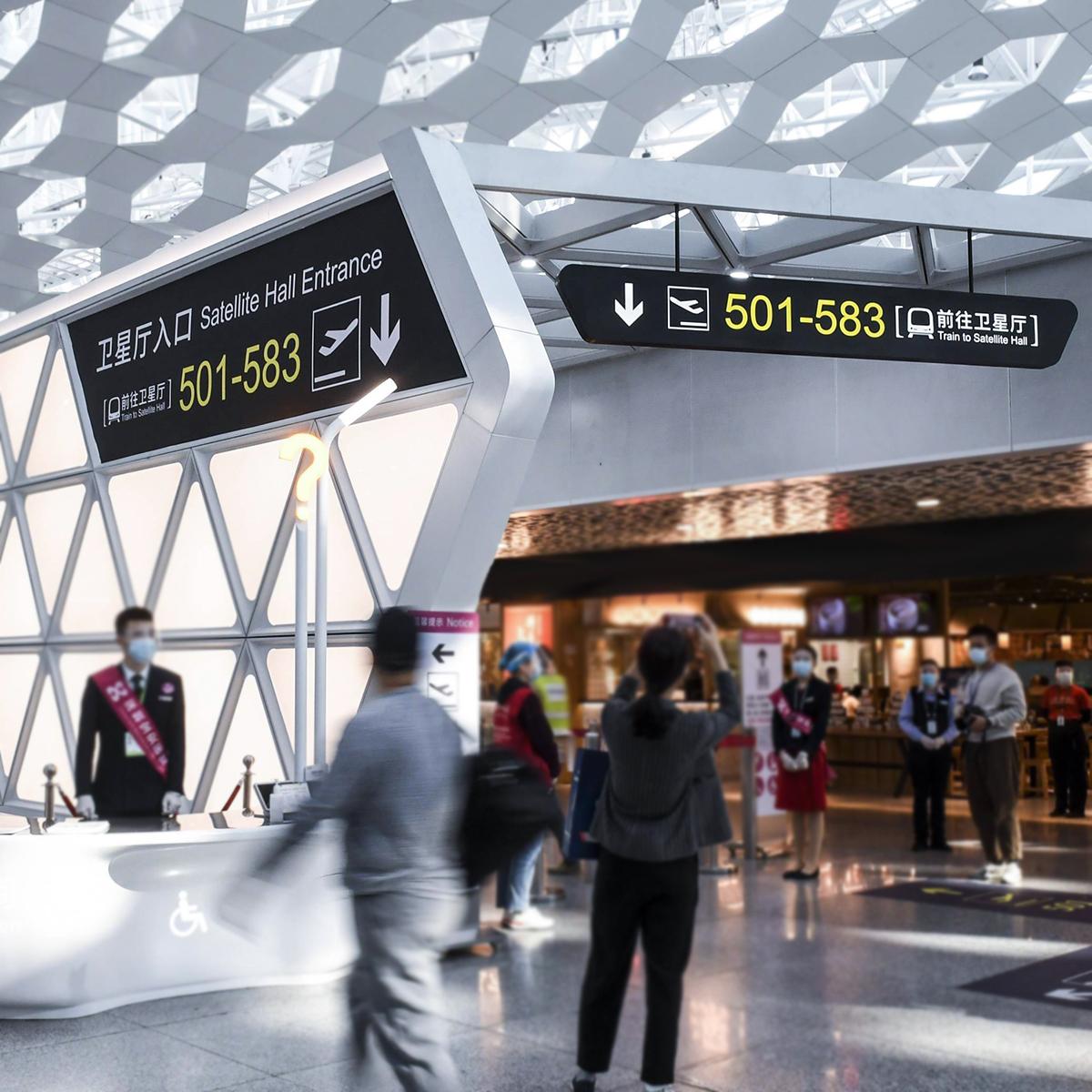
Look at large transit hubs like Hartsfield-Jackson Atlanta International Airport — heavy foot traffic, constant schedule churn, and tight accessibility rules force buyers to think long-term. Their wayfinding approach mixes durable displays and centralized CMS so content updates happen fast without crews on ladders every week. That setup limits downtime and keeps staffing costs lower than you’d expect for a facility of that scale.
Common procurement mistakes — and what to do instead
Buyers trip up by picking the fanciest screen, then skimping on CMS and support — a backwards trade. Another trap: procuring separate vendors for hardware, software, and maintenance without clear ownership. The fix is a single accountable contract or an integrator-led setup. Also, watch warranties closely; extended HW warranties and clear SLAs for software updates save money later — and yes, plan a modest content budget. People forget content is the product; screens are the shelf — and that causes waste. — Keep procurement simple and accountable.
How to evaluate ROI in concrete terms
Use a three-step calculation: estimate total CapEx, project annual Ops, then discount to present value over your chosen term. For fast checks, compare total cost per year and expected uptime or error-free days. Add a simple metric: cost per effective interaction (total spend divided by projected number of wayfinding interactions). This ties spending back to real outcomes like reduced reception staffing or smoother visitor flow.
Final checklist and three golden rules
Golden rule 1: Budget for content and support equal to at least 20% of initial hardware costs across the first three years. Golden rule 2: Demand modular hardware and easy-to-use CMS so small teams can manage updates without vendor lock-in. Golden rule 3: Choose vendors that accept single-point responsibility — a trusted signage manufacturing company with clear SLAs beats a fragmented setup every time. Match those rules to projected savings in staffing and downtime before signing.
When the dust settles, align decisions to measurable uptime and manageable annual spend — that’s what keeps the ROI honest. For real-world fit and durable solutions, consider partners that build to spec and stand behind service, like Cosun Sign. Worth it.

