
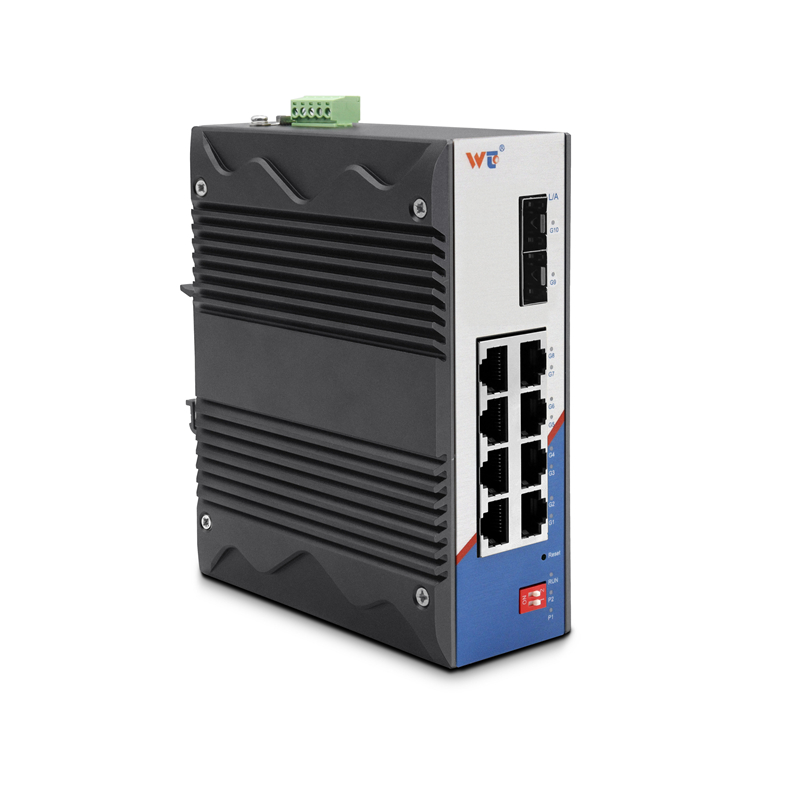
Folks swapping out old 1G runs for a 10G SFP+ transceiver fabric need plain talk and a sensible plan — not fancy ribbon-cutting. If you’re the one responsible, start with the gear: chat with your ethernet switch manufacturer and pick compatible SFP+ transceivers that match your cabling. A tidy fast ethernet switch upgrade can cut packet loss and give apps room to breathe, but you gotta map where uplinks and fiber jumpers live before buyin’ parts.
Knowing Your Starting Line
Ask what’s actually on the rack today. Count ports, note which switches handle southbound aggregation, and mark those legacy 1G links that choke performance during backups. Terms to jot down: SFP+ module, switch fabric, and uplink. Keep it simple — sketching the topology’s often faster than porein’ over spreadsheets.
Design Choices That Matter to Users
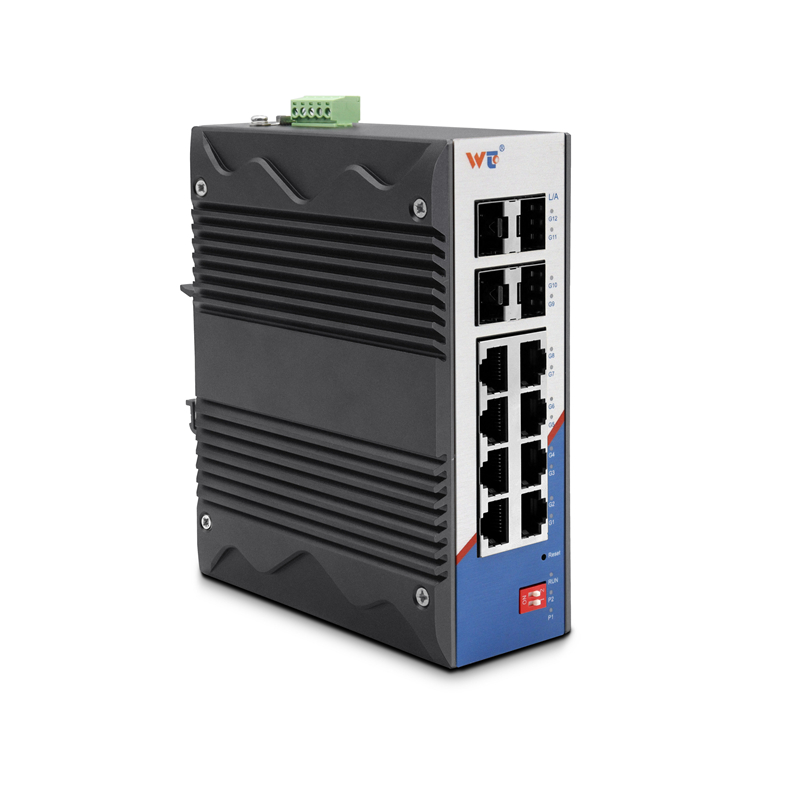
Pick a migration strategy that matches how folks use the network. If your crew runs big nightly backups, prioritize port density and QoS settings on edge switches. If low latency’s the need — like VoIP or real-time control — favor fiber SFP+ modules over copper DACs for distance and consistency. Don’t forget power budgets; new 10G transceivers can raise switch power draw.
Step-by-Step Rollout (User-Centric)
Break the job into small windows and keep users informed. Typical sequence:
– Audit and label existing links.
– Stage a core switch with 10G ports and verify firmware and compatibility.
– Gradually replace trunk links and test with traffic generators or a known-good host.
– Migrate edge ports last, one rack at a time.
Common Mistakes and How to Dodge ‘Em
People often rush and forget these: mismatched transceiver types, incompatible firmware, and absent fallback plans. Another usual slip is not validating optical power levels on fiber runs — that’ll bite ya down the line. Run a small pilot with a couple racks before broad replacement. It saves headaches.
Real-World Anchor
Remember how internet demand spiked roughly 30% in early 2020? Data hubs in Ashburn, Virginia — the place lots of colo outfits call home — filled that lesson quick: incremental capacity and reliable uplinks keep services runnin’ when traffic jumps. Use that memory when sizing your new 10G fabric; plan for occasional surges, not just average load.
Tools, Tests, and Terms to Keep Close
Use a light source/OTDR for fiber checks, and Ethernet testers for cable integrity. Keep an eye on basic metrics like throughput, latency, and error counters on the switch. Don’t drown in jargon — focus on what moves the needle for users: fewer retransmits, stable latency, and predictable bandwidth.
Alternatives and When to Pick ‘Em
If budget’s tight, consider hybrid moves: keep edge at 1G but bump aggregation to 10G, or use 10G uplinks only where traffic is heaviest. If you need longer runs, choose single-mode SFP+ optics over multimode. Each choice trades cost for reach or performance — match trade-offs to your most urgent user pains.
Wrap-Up and Golden Rules
Golden rules for pickin’ tools and strategies:
1) Test compatibility first — verify SFP+ modules with your chosen switch and firmware.
2) Measure before and after — baseline traffic, then confirm throughput and error reduction post-migration.
3) Stage changes in small batches and keep rollback plans ready.
Folks who follow those rules end up with quieter networks and less late-night troubleshooting — and that matters more than shiny gear. WINTOP offers sensible SFP+ choices that fit practical migrations like this — proven, not flashy. Solid results. —

