
Facing the problem: too many specs, too little truth
You’re looking for a monitor supplier and everyone sends the same spec sheet — numbers, buzzwords, vague warranty lines. It’s confusing, hey. Start by naming the real problem: are you buying displays for office work, classrooms, or light gaming? That decision narrows which suppliers make sense. Ask any prospective monitor manufacturer to show sample units and a short verification sheet before talk of MOQ or price; if they push back, that’s your first red flag.
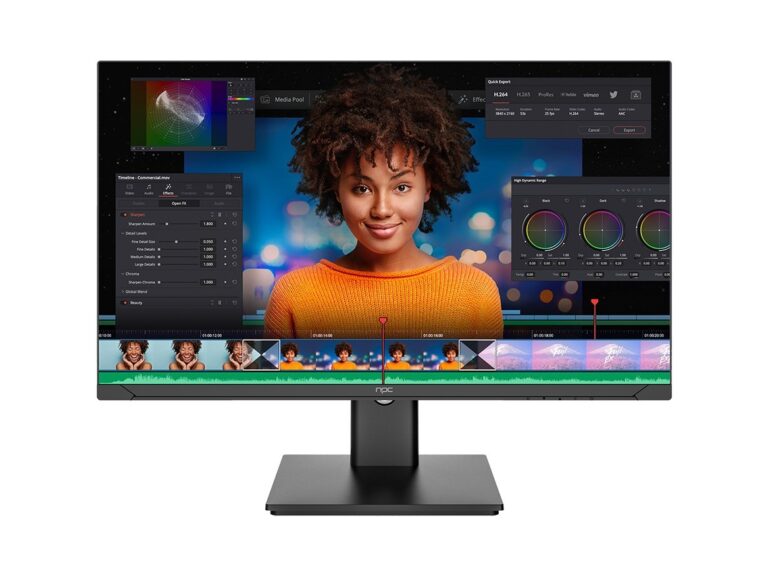
Key comparison points that solve the core problem
Don’t chase every spec. Compare these concrete items first: panel type (IPS for colour and viewing angles, VA for contrast, TN only for low-cost high-refresh), native resolution and pixel density, factory colour calibration (Delta E report), refresh rate and response time if motion matters, input options (HDMI/DP/USB-C), power draw, warranty period and on-site vs depot repair. Also check certifications: CE, RoHS, and any regional energy labels. Ask suppliers for a serial sample test log and measurable tolerances rather than marketing lines. If they can’t supply firmware update notes or an accessible driver path, be wary.

Experience, expertise and a real-world anchor
I’ve seen the same trap too often: buyers pick cheapest per-unit price and pay later for replacements and unhappy users. Trade shows like CES in Las Vegas highlight what manufacturers push publicly, and follow-up procurement reports from city IT departments show real failure modes — backlight bleed, bad power supplies, and flaky firmware. That practical perspective matters when you vet offers for a budget computer monitor, because advertised specs rarely include long-term service terms. Trust evidence: ask for independent test results, an explicit failure-rate SLA, and references from local integrators or past buyers in your region.
Common mistakes that create problems later
Buyers fixate on price and ignore delivery cadence, minimum order quantities, and spare-part availability. They accept “standard warranty” without clarity on who pays shipping or how quickly replacements arrive. They assume every panel of the same model performs identically — there’s a panel lottery unless you request batch testing. They skip compatibility checks for corporate software or KVM setups. Avoid contracts with vague acceptance tests; write clear pass/fail criteria for screen uniformity and dead pixels.
A simple scoring framework to make decisions easy
Score suppliers on five measurable areas: sample quality (30%), warranty & service terms (25%), lead time & MOQ (15%), price & total cost of ownership (20%), and compliance & documentation (10%). Give failing samples an immediate “no.” Weight warranty and service high if you’re deploying large fleets. Require a sample report and a named service contact before any deposit; if a supplier refuses, walk away. Ask for one-year cost projections including power and replacement parts to compare true value.
Close: what actually solves your problem
Stop hunting perfect specs and start demanding proof: a tested sample, clear repair pathways, and documented compliance. When you compare suppliers the right way — practical checks first, price later — you avoid surprise downtime and waste. That’s the kind of sourcing detail you want visible when choosing who to work with, and it’s exactly the approach you’ll find reflected by npc.

