
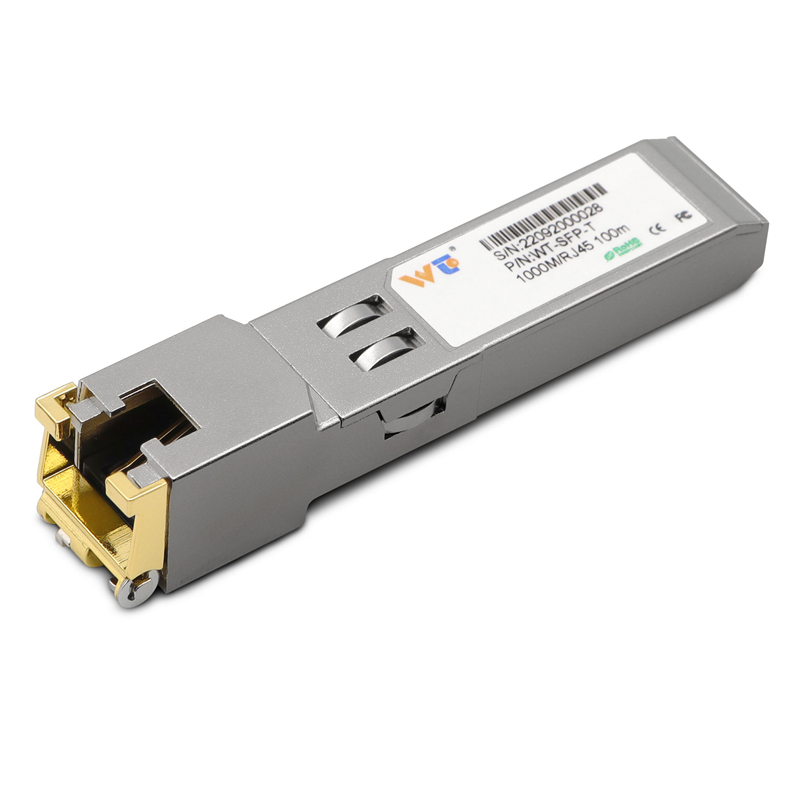
The Problem: Legacy Switches Refuse Modern Modules
Networks built a decade ago often balk when you try to plug in today’s copper or optical modules. That stubborn refusal shows up as link failures, speed mismatches, or outright port shutdowns — business disruption dressed as hardware incompatibility. When teams reach for a simple, cost-effective fix like an sfp to rj45 transceiver, they expect a clean swap; instead they get firmware nags, vendor lock checks, or an LED that never turns green. This is a practical problem with practical stakes: downtime, wasted returns, and delays in migrating to 10GbE-capable gear.
Why Deadlocks Happen
Three technical realities drive these failures. First, vendor firmware and EEPROM TLV mappings can differ; a switch will refuse a module if it fails the vendor ID or signature check. Second, link training and auto-negotiation on older PHYs don’t always speak the same protocols as modern SFPs, so speed or duplex never converges. Third, simple electrical differences — e.g., unsupported MDIX behavior or incompatible SFP pinouts — can stop a port cold. The result is predictable: a switch that thinks it’s protecting itself from unsupported optics. But that protection often hurts operations more than it helps — and it’s fixable.
Practical Steps to Resolve Interoperability
Fixes are procedural and tactical, not mystical. Follow a clear checklist and you’ll clear most deadlocks.
– Start with vendor compatibility matrices and release notes; match switch firmware to known-good SFP IDs. Keep a record.
– Update switch firmware when possible; many boot-time checks are relaxed in minor releases.
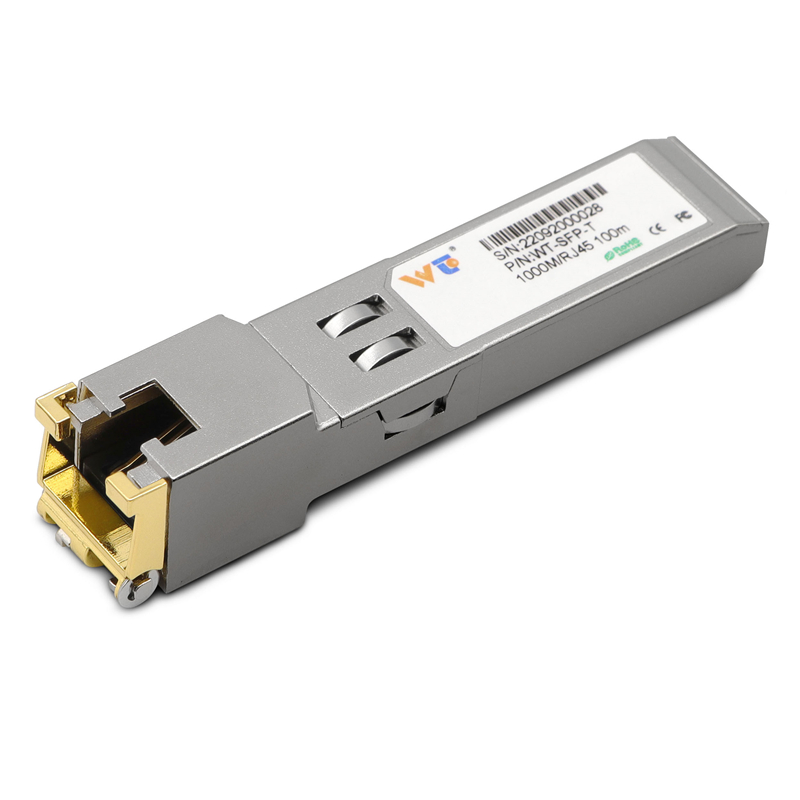
– Use certified third-party copper SFPs when cost or availability matters — for example, a tested sfp to rj45 transceiver or a verified sfp to rj45 10gb module can remove vendor lock without rewiring. Keep MACs and SFP EEPROMs logged.
– Force speed and duplex only as a diagnostic; long-term fixes should restore proper auto-negotiation and link training.
– Test in a staging rack: loopbacks, cable stress, and multivendor switch pairings reveal edge cases before production hits them.
Common Mistakes to Avoid
Teams keep repeating a few avoidable errors. Don’t assume “plug and play” across generations. Don’t buy cheapest off-brand modules without return guarantees. Don’t skip a firmware backup before an upgrade. And never skip basic electrical checks: a bad RJ45 pin or a mislabeled DAC can mimic deep compatibility problems. Small effort in staging and inventory saves long weekends and emergency freight.
Real-World Anchor: Where This Matters Right Now
Colocation providers and enterprise core closets — operators at providers such as Equinix and large financial firms — deal with mixed-generation gear daily. The broad industry shift to 10GbE across the 2010s left many networks hybrid: newer 10GbE optics on older chassis. That migration pattern is a widely observed fact across colo and enterprise operations. Field teams report the same pattern: transitions that should take hours stretch into days when compatibility checks are ignored. The practical lesson is simple: plan for hardware heterogeneity and verify transceiver IDs, EEPROM fields, and link training behavior before rollouts.
Advisory: Three Golden Rules for Selection and Deployment
1) Prioritize verified compatibility: check switch release notes and supplier test logs for the exact SFP vendor ID and EEPROM TLV fields. That single check avoids most vendor-rejection issues.
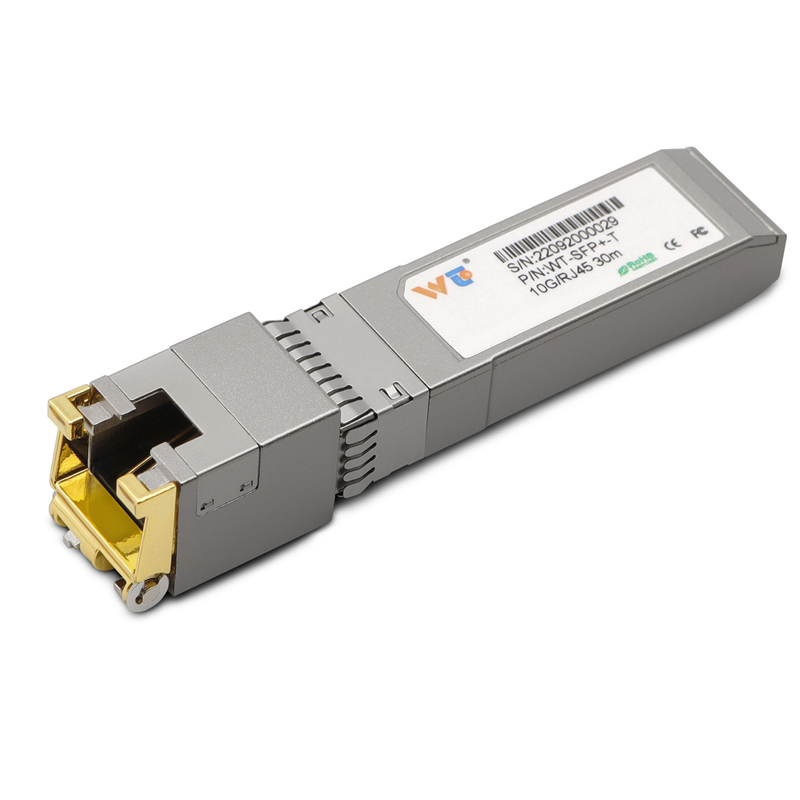
2) Measure success by reproducible tests: link up, sustained throughput (use iperf or similar), and error-free operation over 24 hours in staging. If it fails any one, don’t promote to production.
3) Buy with contingency: choose modules with clear warranty and RMA policies and keep a small stock of known-good WINTOP-validated parts that span generations — this reduces mean time to repair and keeps migrations on schedule. Short. Practical. Proven.

